Bring Your Own Endpoint
The app talks to any OpenAI-compatible chat-completions endpoint. It uses two logical agents, a fast annotator and a reasoning agent. They may point at the same URL and model for a minimal single-endpoint setup, or at two separate endpoints for the dual-engine reference configuration.
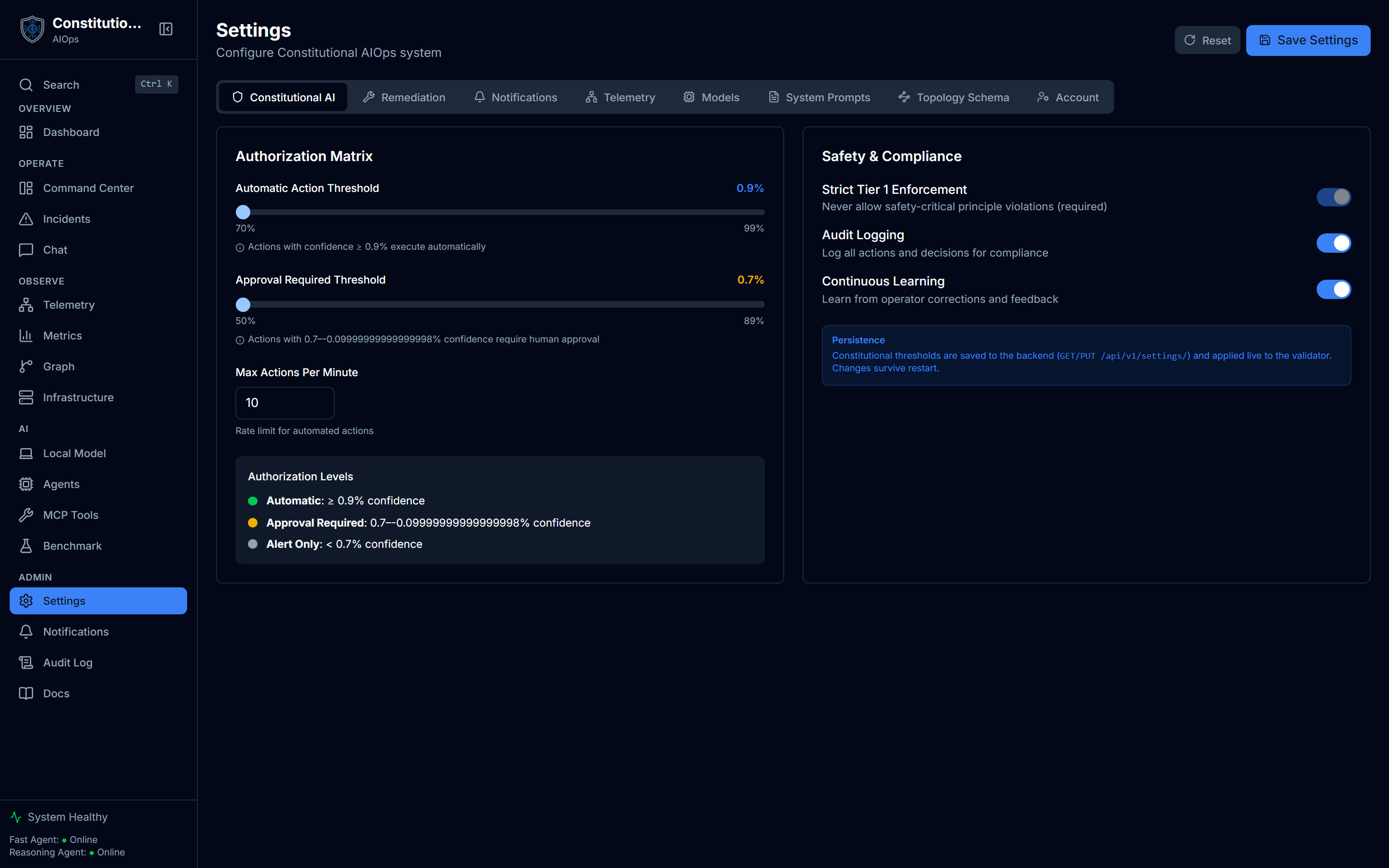
Everything on this page has a home in the app too. Open Settings and pick the Models tab for the Models and endpoints card, covered in Settings, Models and endpoints. Once an endpoint answers, Agent Hub shows the live effect: online status, latency, and a stream of what each agent actually processed.
Minimal setup (one endpoint)
# Point both agents at the same endpoint and model:
FAST_AGENT_URL=https://your-endpoint.example.com/v1
REASONING_AGENT_URL=https://your-endpoint.example.com/v1
FAST_AGENT_MODEL=your-model
REASONING_AGENT_MODEL=your-model

# Bearer token for a secured endpoint (optional; empty = no Authorization header).
# LLM_API_KEY covers both agents; the per-agent keys override it when set.
LLM_API_KEY=sk-...
# FAST_AGENT_API_KEY=...
# REASONING_AGENT_API_KEY=...
The *_URL points at the OpenAI-compatible base (.../v1). A trailing slash is optional and normalized internally either way.
Endpoint examples
| Provider | *_URL | *_MODEL | Notes |
|---|---|---|---|
| vLLM (self-hosted) | http://your-host:8000/v1 | the --served-model-name | Colon-free names auto-disable thinking |
| Ollama (self-hosted) | http://your-host:11434/v1 | qwen3:4b and similar | A colon in the name keeps thinking on |
| AWS Bedrock | https://bedrock-runtime.<region>.amazonaws.com/openai/v1 | qwen.qwen3-32b-v1:0 and similar | Set LLM_API_KEY to a Bedrock API key |
| OpenAI | https://api.openai.com/v1 | gpt-4o-mini and similar | Set LLM_API_KEY to your OpenAI key |
Change it at runtime
You can change all of this live from Settings, Models in the app: the endpoint, model names, and a write-only API key apply without a restart. That is the quickest way to try a different model against your telemetry.
Private addresses, and who may use one
Where the endpoint is allowed to live depends on who is setting it.
- An admin setting the instance-wide endpoint may point anywhere, including
localhost, a LAN address or a container name. This is deliberate. A self-hosted vLLM or Ollama beside the app is the reference configuration, and an admin already controls the host. - A signed-in non-admin setting their own personal endpoint must use a public address. The URL is resolved and refused if it lands on a loopback, private, link-local, reserved or multicast address, which is the same check the webhook targets already pass. Without it, a user on a shared instance could aim the server's outbound calls at internal services or at cloud instance metadata.
So on a single-user self-host nothing changes: you are the admin, and http://localhost:11434/v1 works exactly as the table above shows. On a shared instance, personal endpoints have to be reachable from the public internet.
Two models or one?
- One endpoint is the simplest self-host. Both agents share a URL and model. Pick a model that is good at structured output and reasoning.
- Two endpoints match the reference configuration: a small fast model for high-volume annotation, and a larger model for root cause and chat. Use this when you want to keep annotation cheap and reasoning strong.
Check that your endpoint is good enough before trusting it with the Benchmarking page, which runs a few sample cases through the exact agents against your configured endpoint.