Constitutional Safety
Every proposed action passes a constitutional validator before it can run. The validator scores the action, and an authorization matrix decides what happens next. This is the core safety property of the system.
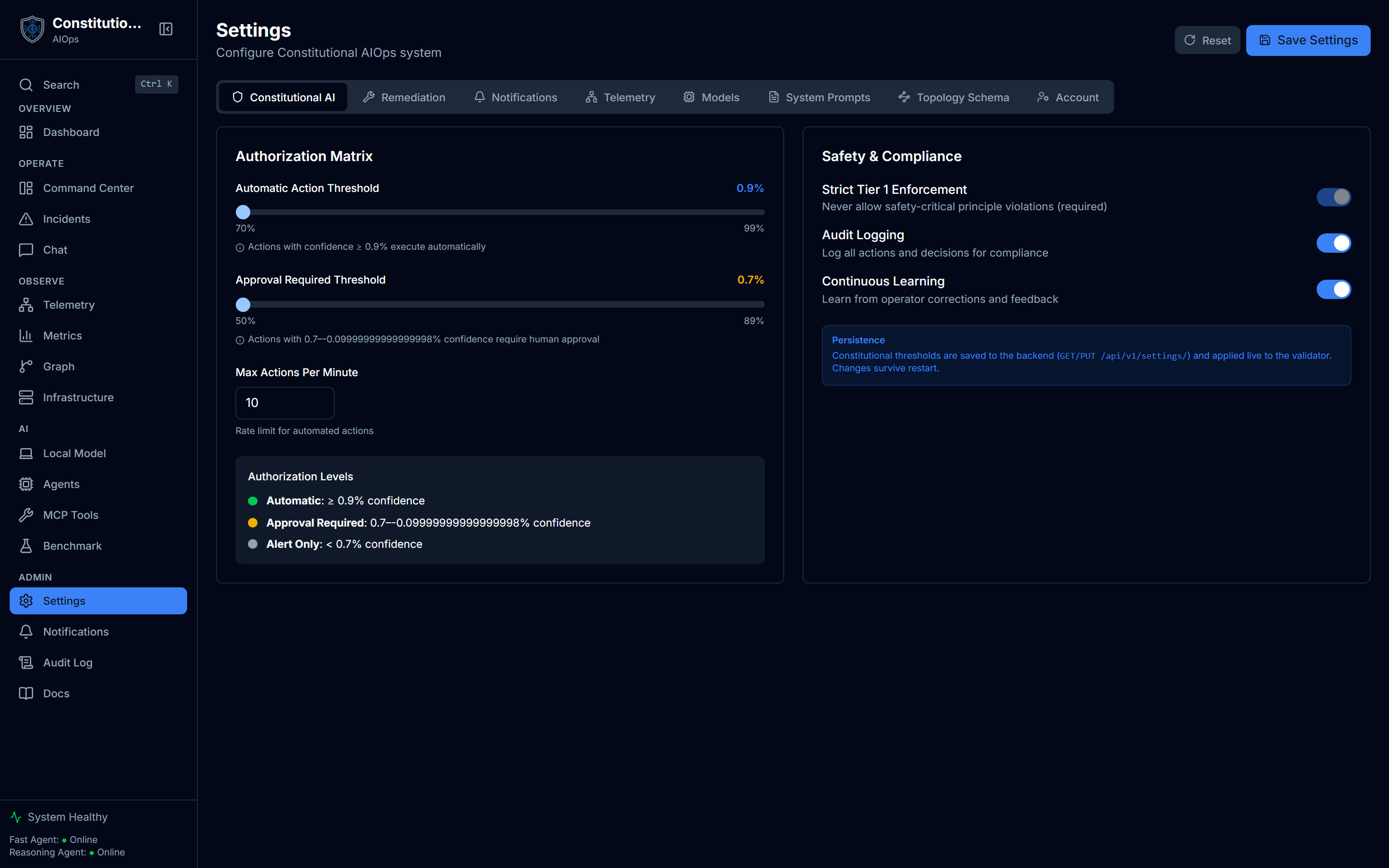
These thresholds live under Settings → Constitutional AI. The sliders you see there map directly onto the table below.
Authorization matrix
| Confidence | Action | Human review |
|---|---|---|
| Above 90% | Automatic | Audit only |
| 70% to 90% | Approval required | A human must approve |
| Below 70% | Alert only | Notify, do not act |
The two thresholds are configurable with CONFIDENCE_THRESHOLD_AUTO (default 0.90) and CONFIDENCE_THRESHOLD_APPROVAL (default 0.70). See Configuration.
Who may approve and run
The matrix above decides whether a human has to approve. Your role decides who that human can be. Approving an action, executing an approved one, and remediating, deleting or dismissing an incident all require the admin role, not merely a signed-in session. Updating an incident's triage notes or assignee does not. The full table is under Who can do what.
The approval recorded against an action is taken from the authenticated session, so the audit trail names the account that actually clicked Approve. A caller cannot label the approval with someone else's name.
The gate cannot be waived by the caller
The approval flag the validator reads is derived by the server from a real approval record. It is not something a client can assert.
This matters because the tool endpoint accepts a context object, and callers may legitimately pass hints through it. Every key the validator itself reads is stripped from that object before it reaches the validator, so a request that claims its action was already approved gets the full principle check anyway. Remediation started from inside the app keeps working, because it builds that context from the approval record rather than from a request body.
The same holds for an action a model proposes during a chat turn. Nothing on that path asserts prior approval, so a model steered by adversarial text in your telemetry still meets the gate rather than going around it.
Confidence score
Confidence combines the model's own confidence, the historical success rate of the action, and its similarity to past incidents:
C(a) = 0.4 · C_LLM + 0.35 · C_hist + 0.25 · C_sim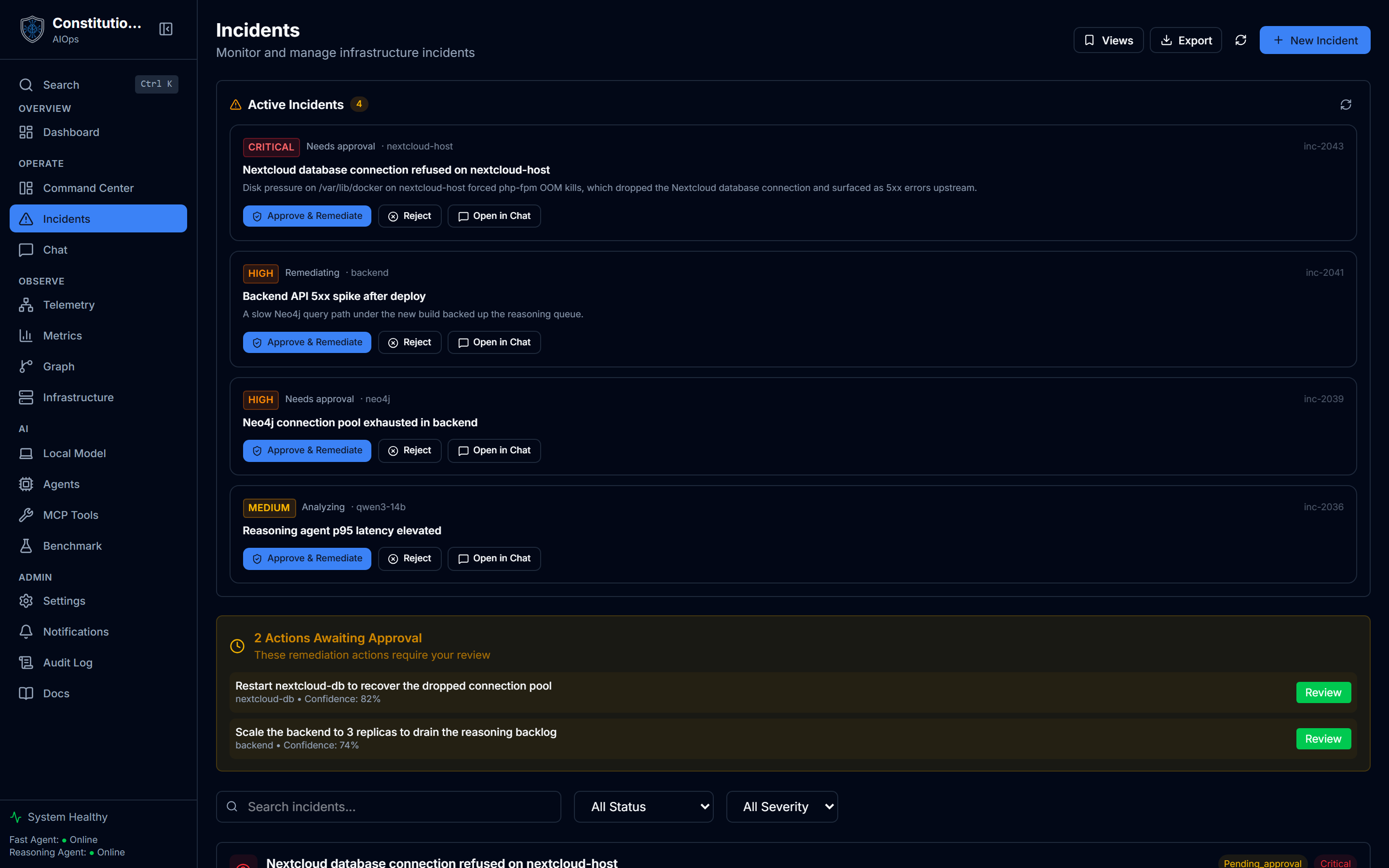
Incidents shows this score in practice: a high-confidence, low-risk analysis can move forward on its own, and an uncertain one waits for you.
The twelve principles
Principles are grouped into three tiers by how strictly they are enforced.
Tier 1, safety-critical (never violate)
- P1.1 Data Protection. Never execute actions that could cause data loss or corruption.
- P1.2 Active Incident Safety. Never take destructive actions during active incidents without explicit approval.
- P1.3 Cascade Prevention. Never exceed resource limits that could cause cascade failures.
- P1.4 Security Integrity. Never modify security configurations.
A Tier 1 violation blocks the action outright. P1.2 is the one principle whose own wording names a way through, "without explicit approval", and the gate honours that: a destructive action proposed during an active incident is queued for a human decision rather than refused, and it runs only once an admin approves it. Every other Tier 1 violation is final, and an approval does not lift it. That includes P1.4: a proposed change to firewall rules, authentication, TLS certificates or access control is refused even with an admin present. Those changes stay with a person working on the system directly.
The gate classifies an action by the words in its name, not by substring. restart_service and restartService are read the same way, while analyze_oracle_logs is a read rather than an ACL change and undelete_backup is a restore rather than a deletion. Direction matters where a name carries it: scale_up can trip the cascade principle, scale_down cannot, and a bare scale_service is not classified either way because the name alone does not say which way it scales.
Tier 2, operational (require approval to violate)
- P2.1 Minimal Intervention. Prefer the smallest effective action to resolve issues.
- P2.2 Evidence-Based Actions. Require telemetry evidence before taking action.
- P2.3 Audit Trail. Log all actions for audit and rollback capability.
- P2.4 Uncertainty Escalation. Escalate to humans when confidence is below threshold.
Tier 3, learning (soft guidelines)
- P3.1 Outcome Tracking. Track outcomes of actions for continuous improvement.
- P3.2 Human Correction Learning. Learn from human corrections and overrides.
- P3.3 Long-term Optimization. Optimize for long-term system health over short-term fixes.
- P3.4 Solution Diversity. Occasionally explore alternative solutions to prevent local optima.
Remediation is opt-in
Restart and scale remediation is off by default (AIOPS_ENABLE_ACTION_TOOLS). Even when enabled, an action still passes the validator and the authorization matrix, and uncertain actions queue for human approval rather than running. This means turning tools on does not turn off the safety gate.
Related
- MCP tools shows this gate applied to a real tool call, step by step.
- Settings is where you tune the thresholds and toggles above.
- Incidents and RCA is where the confidence score shows up per incident.